

Content per schedule
Any number of cards. In a schedule, click Add content block once for each card. There’s no limit. See Create a schedule for the dates and the rest of the schedule.What you schedule in Block Hero
Each card is a content block. The Add content block window has these fields. Each card needs a Content Name and an image.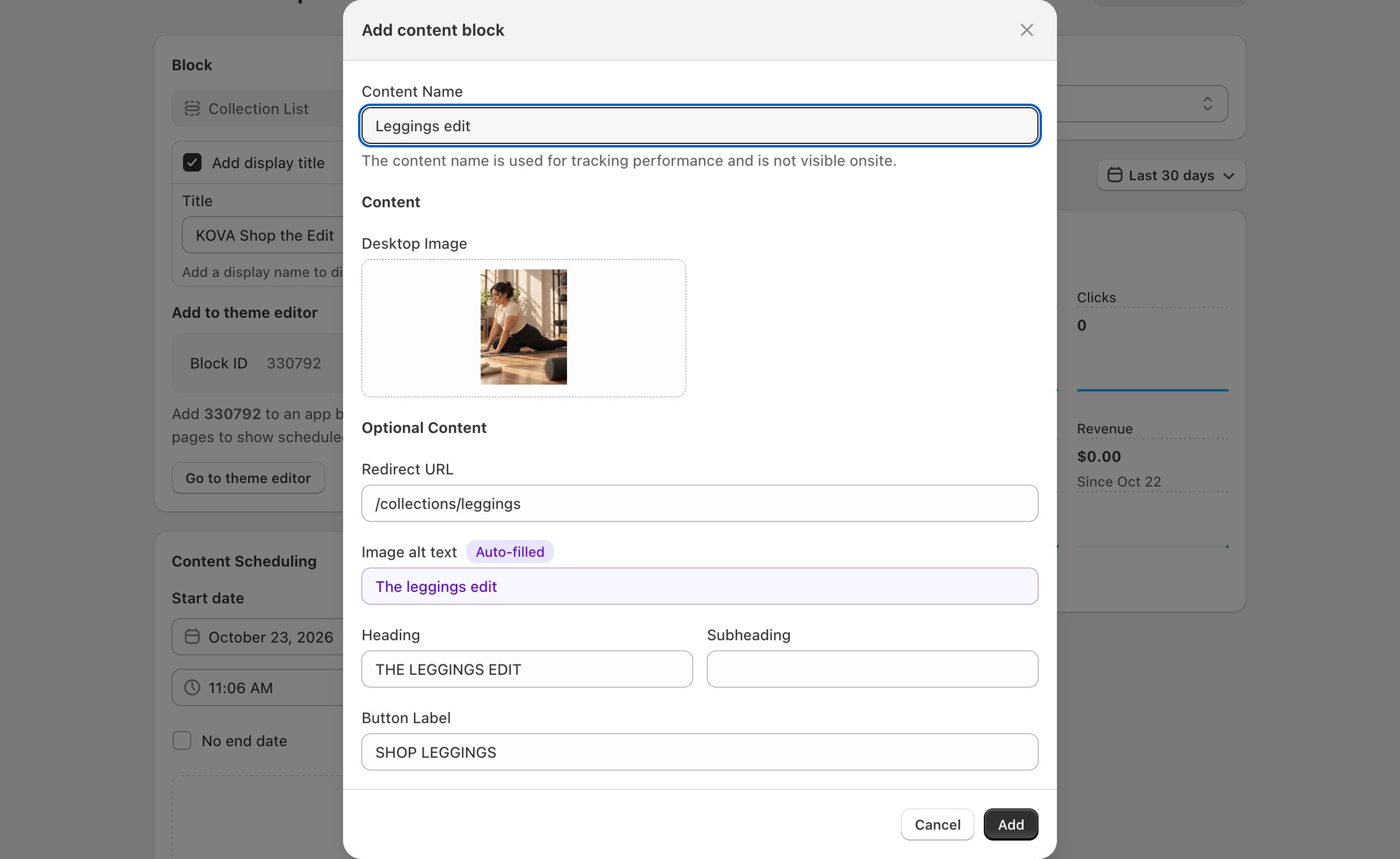
What you set in the theme editor
These settings are on the block in the theme editor. They stay the same whatever you schedule.Related
Add a block to your theme
Copy the Block ID and add the block in the theme editor.
Collection Grid
Up to four tiles with a heading over each image.